
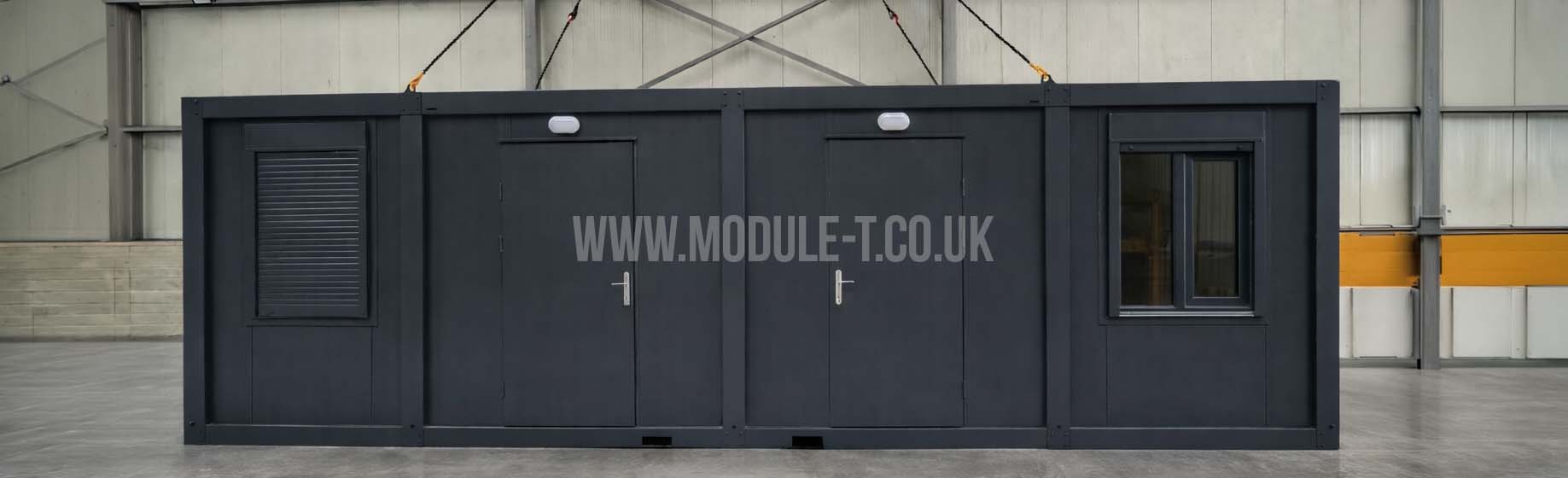
Choosing RAL colours for portable cabins helps you specify the exterior you want before production begins. A colour reference makes a request such as “dark grey frame with light panels” more precise, whether you are ordering a site office, a security cabin or several units for the same premises.
The best result comes from choosing RAL colours alongside the surfaces they will cover. Panel colour, frame colour, doors, window profiles and signage all contribute to the finished appearance. This guide explains how to prepare a clear colour brief for Module-T UK.
What Do RAL Colour Codes Mean?
RAL provides standardised colour references. The RAL CLASSIC collection identifies shades using four-digit numbers, usually written after the letters RAL. A code helps everyone involved discuss the same colour reference rather than relying on descriptions such as white, blue or charcoal.
RAL colours identify shades; the code alone does not specify the coating material, gloss level or protective performance. Those details need to be agreed separately. Two components specified to the same colour reference may still look different because of their material, texture or finish.
Choosing RAL Colours for Portable Cabins: Start with the Setting
Decide what the cabin should look like in its surroundings. An office beside an existing warehouse may need to coordinate with its cladding. A reception cabin might need a clearly identifiable entrance. A group of cabins may benefit from a consistent scheme across different functions.
Before shortlisting RAL colours, consider:
- The colours of neighbouring buildings, fencing and paving.
- Whether the cabin should blend into the site or provide a visual focal point.
- Where company branding, directions and entrance signs will sit.
- Whether future units will need to follow the same colour scheme.
For security cabins, check the scheme from the visitor’s approach as well as close up. Exterior colour can support identification, but signs and a clear pedestrian route still need their own consideration.
RAL Colours to Compare for Your Exterior Scheme
The references below provide a starting point for comparing neutral shades and stronger accent colours. They are illustrative RAL examples, not a confirmed list of standard or optional finishes for every Module-T UK model. Availability must be checked for the selected component and specification.
| RAL code | Colour name | Possible design direction |
|---|---|---|
| RAL 9002 | Grey white | A light base to compare with darker frame colours. |
| RAL 9010 | Pure white | An alternative white reference to assess beside existing white finishes. |
| RAL 7016 | Anthracite grey | A dark option to consider for frames or a coordinated exterior. |
| RAL 5010 | Gentian blue | A blue reference to compare with company branding. |
| RAL 3000 | Flame red | A red reference for a contrasting accent. |
| RAL 6005 | Moss green | A green reference to assess against landscaped surroundings. |
Compare physical samples rather than choosing from the names alone. RAL 9002 and RAL 9010, for example, are different references despite both containing “white” in their names.
RAL 7016 Anthracite Grey for Portable Cabins
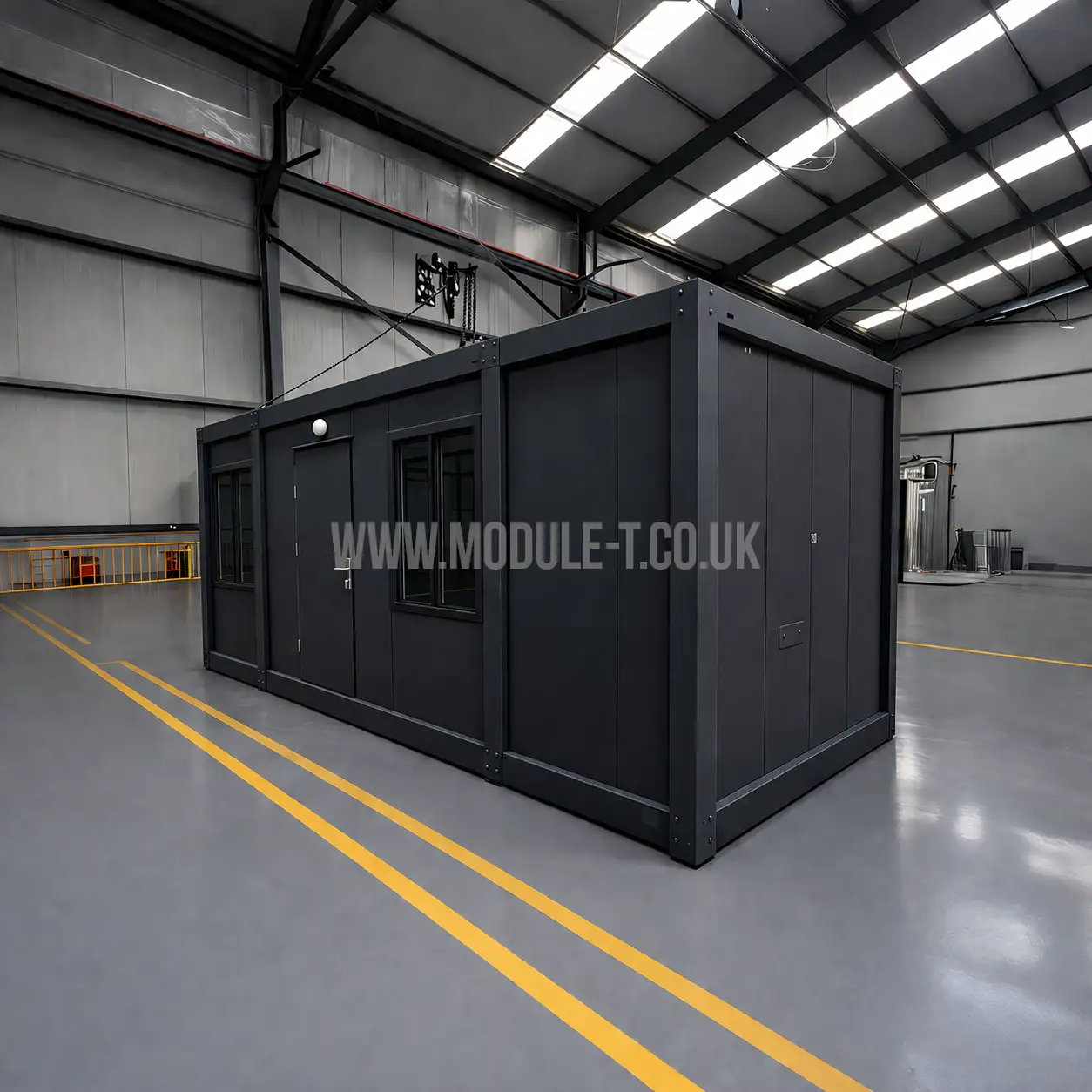
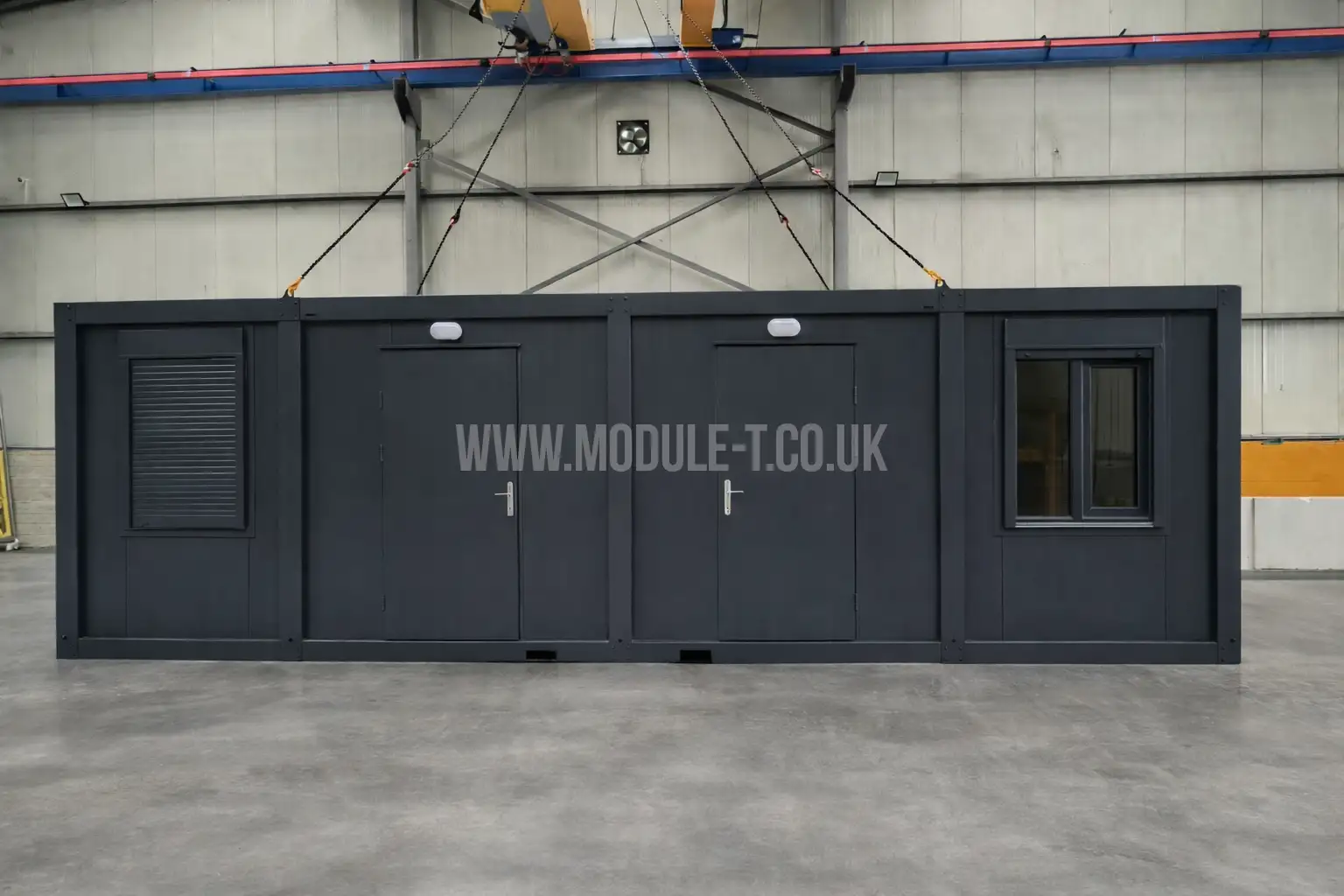
RAL 7016, officially named Anthracite grey, is a dark grey reference to consider when planning a cabin’s exterior. It can form the basis of a coordinated dark scheme or provide contrast against lighter wall panels.
For a two-colour design, compare an RAL 7016 frame with RAL 9002 Grey white panels using physical samples. Check the combination alongside the proposed door finish, window profiles and company signage. This helps you assess the complete exterior rather than choosing each component separately.
When requesting RAL 7016 from Module-T UK, specify exactly which components should use it: the frame, wall panels, doors or trims. Availability and the proposed coating finish should be confirmed for the selected model. Photographs can illustrate the design, but the final shade should be approved against a physical reference.
Specify Panel and Frame Colours Separately
A single colour instruction can leave important details unclear. Does it apply to the wall panels, the visible frame, the door leaf or every external component?
When specifying RAL colours, divide the exterior into its main parts:
- Wall panels: identify the external face and any differences between elevations.
- Frame: state the intended colour for visible corner posts and perimeter members.
- Doors and trims: confirm whether they match the panels or the frame.
- Window profiles: check the available finishes separately.
A light panel with a darker frame is one possible two-colour arrangement. Using the frame as the accent can introduce a company colour without covering the entire cabin in it. Keep the scheme consistent on the rear and side elevations if these will also be visible.
The Module-T UK office container gallery shows examples of contrasting exterior treatments. Use photographs to discuss the arrangement, then confirm the actual colour codes independently.
Match RAL Colours to Your Company Branding
Start with your brand guidelines and check whether they already specify a RAL reference. A logo file may instead contain RGB, HEX, CMYK or Pantone information. Treat a suggested conversion as a candidate to review, rather than an automatically exact match.
Compare the proposed finish beside an approved example of your branding. Also decide how much colour you need: a neutral exterior with a contrasting frame and separate signage may suit the site better than a fully coloured façade.
Check RAL Colours on Physical Samples
Screen brightness, display settings and image processing can change how a shade appears. RAL’s digital colour guidance explains that digital representations approximate physical samples and recommends using a physical sample for the final decision.
Review your shortlist together in daylight and beside any existing finishes you need to match. Where the match matters, discuss a sample of the proposed coating on the intended material. Record the agreed reference and finish with the order.
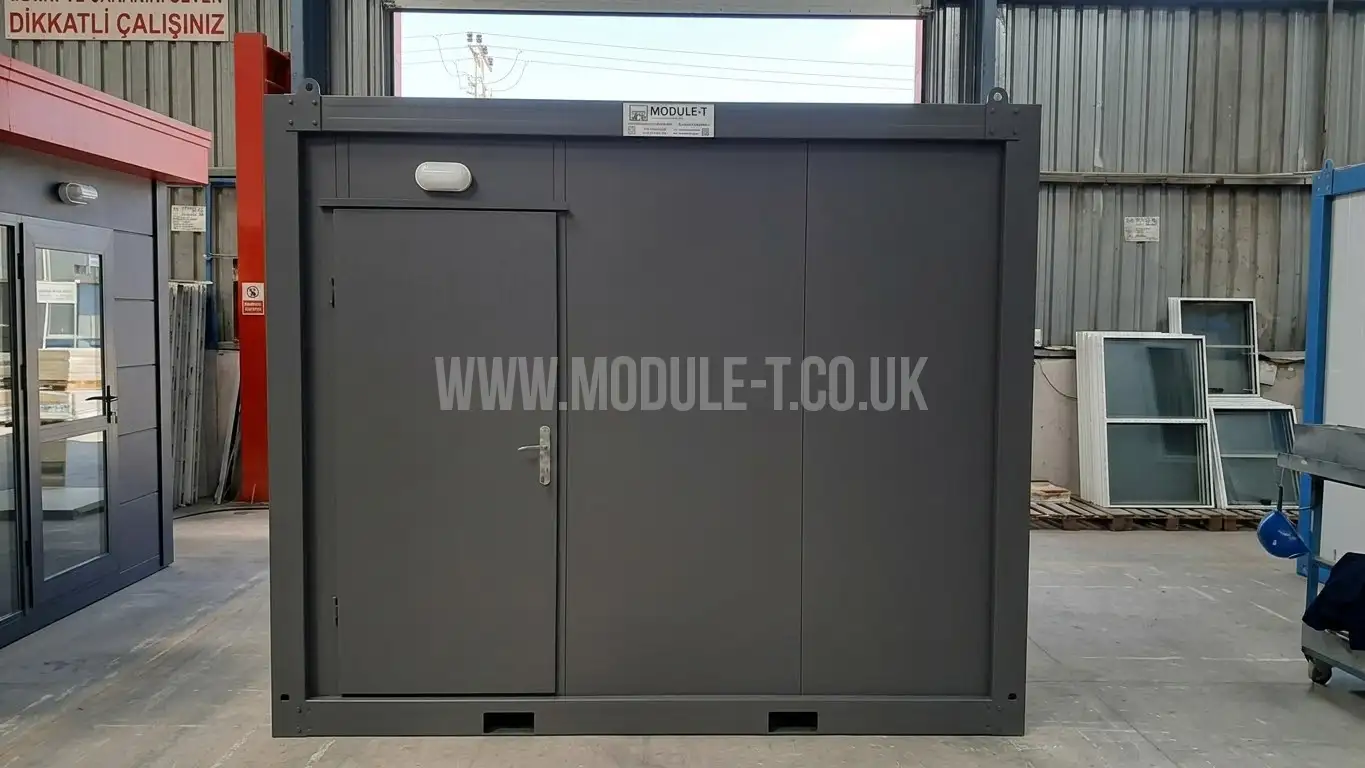
Photographs remain useful for showing the overall design, but a red or grey cabin in a photograph cannot reliably establish its exact RAL code.
Confirm the Finish Alongside the Colour
The same shade can appear different in a smooth glossy finish and a textured matt finish. Ask which finish is proposed for each component, particularly where factory-coated panels sit beside painted frame members.
For RAL colours used outdoors, discuss the coating specification, exposure conditions and maintenance requirements separately from the visual choice. Keep the approved colour and coating information for future additions or repairs. Matching an older, weathered surface may require more assessment than simply reordering its original colour code.
A Colour Brief to Send with Your Enquiry
Before requesting a quotation, prepare a short schedule covering:
- The cabin model and quantity.
- The preferred RAL colours for panels, frame, doors and trims.
- The finish or sample reference agreed for each component.
- Any existing building or brand colour that needs matching.
- A marked-up sketch showing which colour goes where.
- Confirmation of availability, additional cost and any effect on the production programme.
Keep colour decisions alongside the functional brief. Our guide to choosing a site office container covers the layout and everyday working requirements to resolve before finalising the order.
Send Module-T UK your preferred RAL colours and exterior sketch with your cabin enquiry. The team can review the requested combination against the selected model and confirm the available specification in the quotation.